Wholesale Distribution Software: 5 Signs You've Outgrown Accounting




It is Friday afternoon at a busy electrical supply house. A contractor calls about an invoice. The owner wants to know if the month made money. The buyer is ready to place a big order. But nobody can say how much cash is free.
Three people. Three simple questions. Each answer lives somewhere different. Orders sit in one screen. Supplier bills sit in a folder. Stock counts sit in a spreadsheet. The real numbers show up weeks later, after the month-end.
ERP finance fixes this. It puts the money and the daily work in one system. A sale, a delivery and a payment all land in the same record. So the numbers agree, because they come from the same place.
Let's follow the money through a real distribution business, from the first purchase order to the final payment, and see where an integrated system earns its keep.
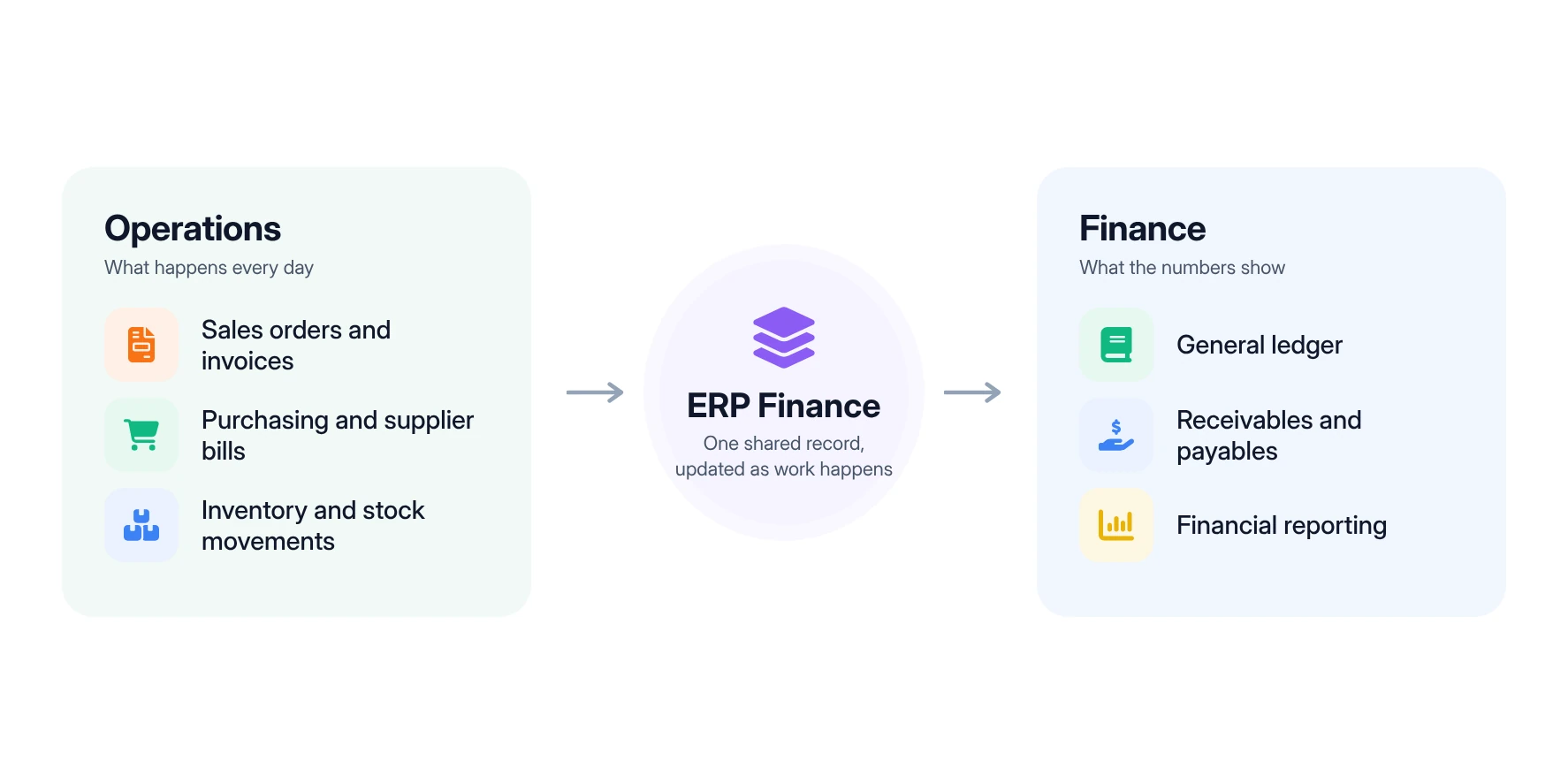
ERP finance is the set of financial tools inside an enterprise resource planning (ERP) system that records, tracks and reports a company's money in the same place it runs daily operations. Instead of keeping accounting in one program and sales, purchasing and inventory in others, an ERP finance system connects them, so every transaction updates the operational view and the financial view at once.
Put simply, the finance module in ERP is the part of the system that turns business activity into accounting entries. It covers the general ledger, payables, receivables, cash and reporting, and it pulls its data straight from the rest of the business rather than from manual re-entry.
A wholesale example. A plumbing distributor ships a pallet of copper fittings to a contractor. In a connected system, that single shipment lowers stock on hand, records the cost of the goods sold, creates the invoice and adds the balance to accounts receivable. Nobody types it twice. By the time the truck leaves the yard, the owner can see the sale, the margin on it and the money now owed. For a wider look at how the full platform fits together, see our guide to ERP for wholesale distribution.
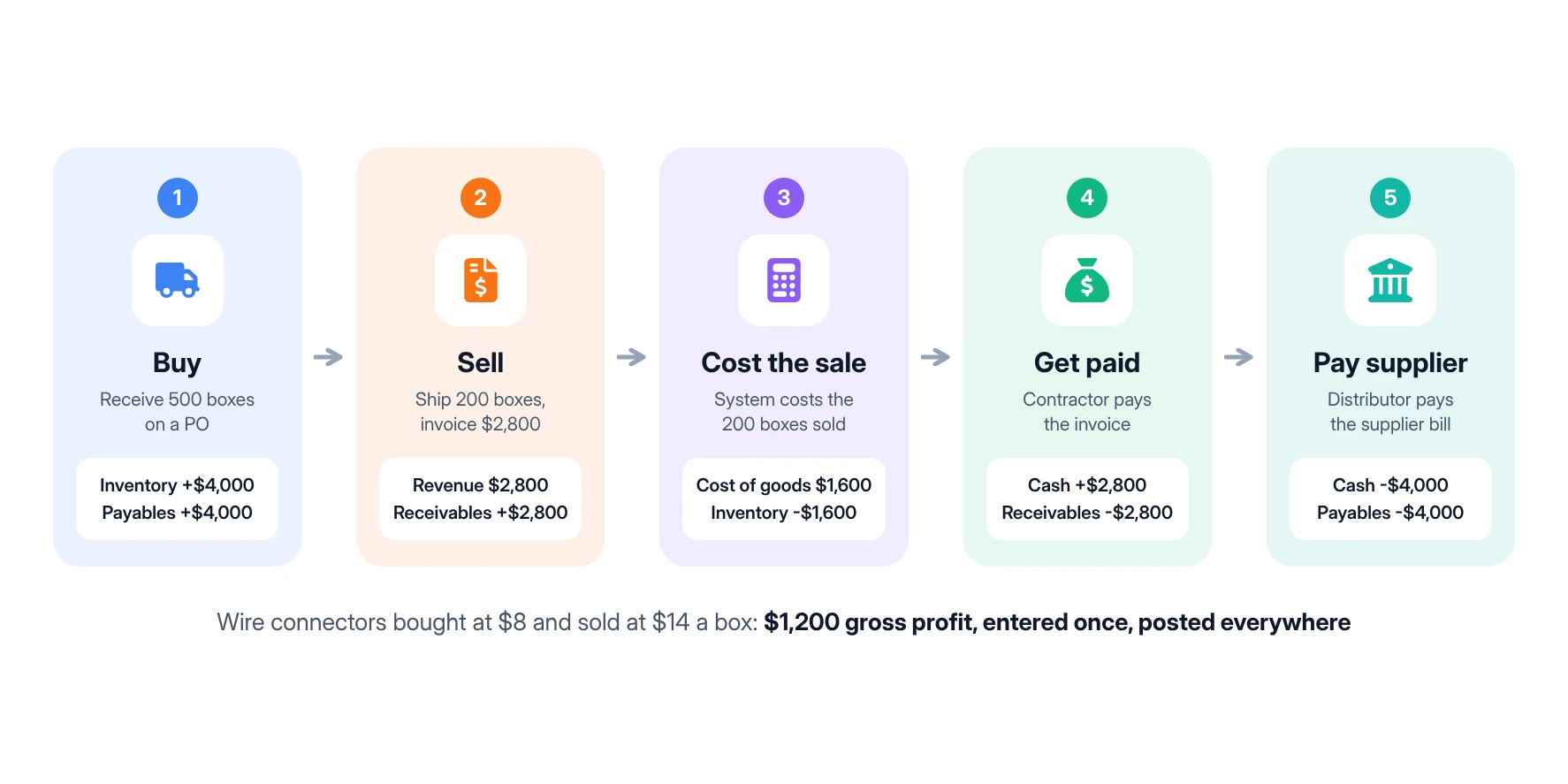
ERP financial management works by turning each operational event into a financial record the moment it happens. Five flows carry most of the load:
A simple example. Here is how one product line moves through the books of a small electrical distributor buying wire connectors at $8 a box and selling them at $14.
The gross profit on that sale is $1,200, a 43% margin, and the remaining 300 boxes still sit in inventory at $2,400. The debits and credits matter less than one fact: nobody keyed any of it twice. That matters, because disconnected data is a leading reason finance leaders lose faith in their numbers. In a BlackLine survey of more than 1,300 finance professionals, 31% of those who did not fully trust their data blamed it on information coming from too many different sources (Journal of Accountancy).
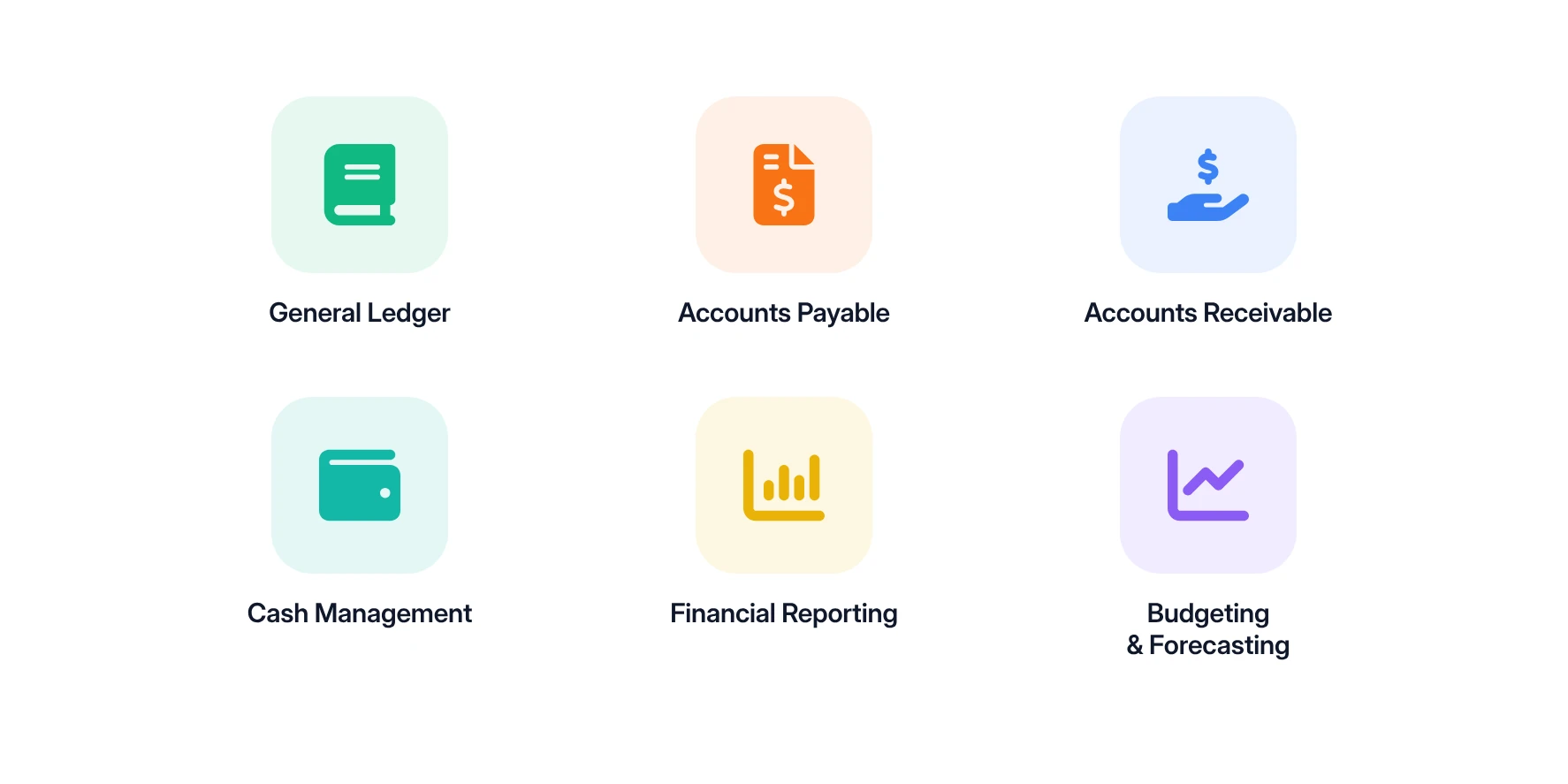
Most ERP finance modules fall into six groups. Each one handles a different part of the money cycle, and each draws on the same shared data.
The general ledger is the central record of every financial transaction. Sales, purchases, inventory adjustments and payments all post here, organized by account. It is the source for every financial statement, so its accuracy depends on how cleanly the rest of the system feeds it.
Accounts payable tracks what you owe suppliers. It records supplier invoices, matches them to purchase orders and receipts, and schedules payments by due date. For a distributor buying from dozens of vendors, this is where early payment discounts are won or lost.
Accounts receivable manages customer invoices and incoming payments. It shows open balances, aging by customer and overdue accounts. This module matters more than ever in B2B trade: in the 2025 Atradius Payment Practices Barometer, overdue invoices affected 43% of credit-based B2B sales for US companies, with average payment terms of 45 days (SDCExec).
Cash management monitors money coming in and going out, so you know what is available today and what is committed next week. Visibility is the hard part. The same BlackLine survey cited above found that 98% of finance professionals lack complete confidence in their organization's cash flow visibility.
Financial reporting turns ledger data into the views leaders use: profit and loss, balance sheet, margin by customer or product, and expense trends. In an ERP, reports draw on live transactions rather than a spreadsheet rebuilt at month-end.
Budgeting and forecasting help you plan revenue, costs and purchasing ahead of time, then compare actual results against the plan. Many teams still do this outside their core systems. The 2025 AFP FP&A Benchmarking Survey found that 96% of FP&A professionals use spreadsheets for planning, and 61% named unreliable data as a challenge (AFP).
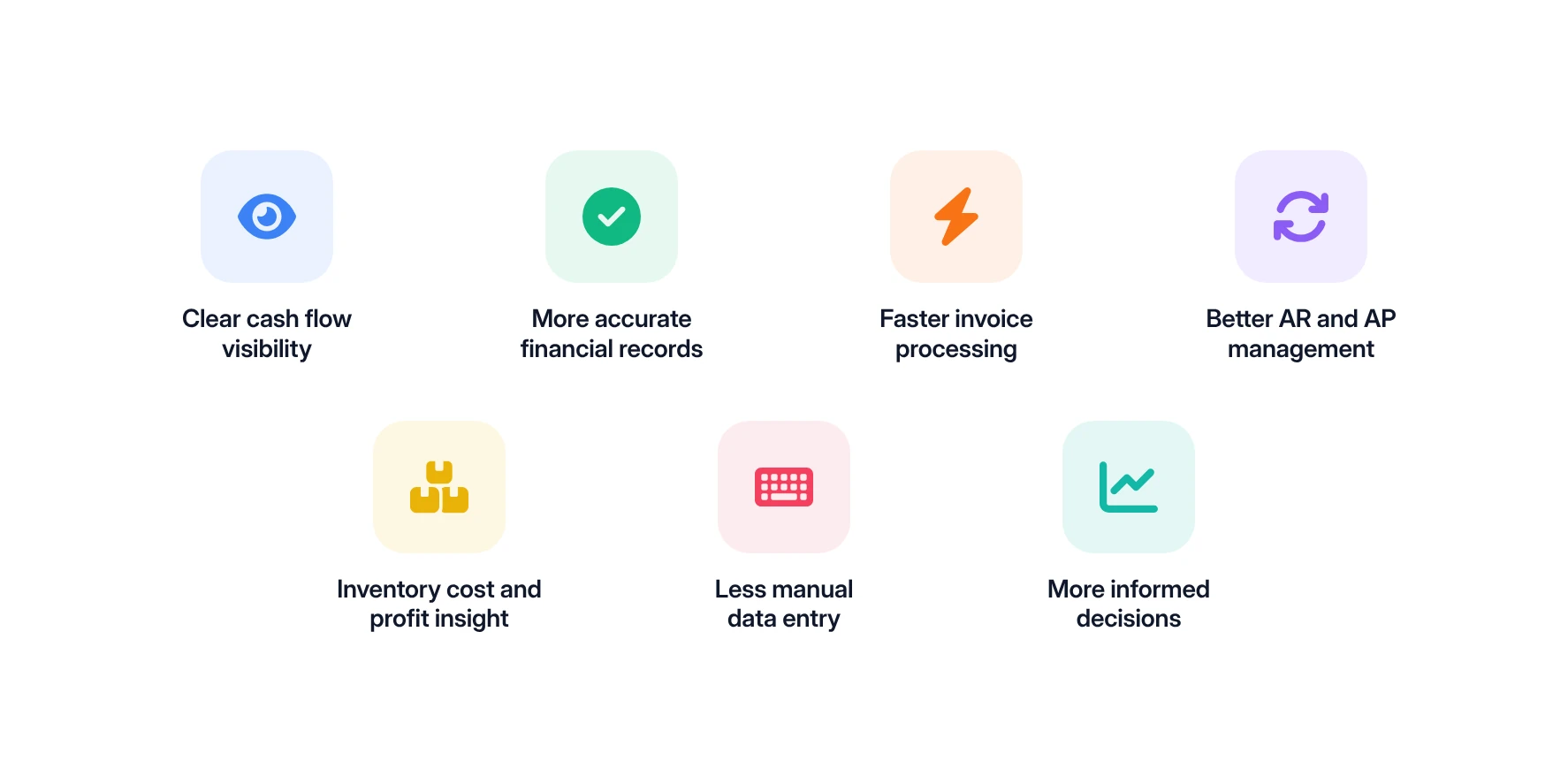
For distributors, the payoff from ERP finance shows up in day-to-day decisions: what to buy, whom to extend credit to and where the margin really is.
When receivables, payables and purchasing share one system, you can see cash that is already committed before you spend it. A buyer planning a large stock order can check open supplier bills and expected customer payments first, instead of guessing.
Transactions created by real operational events are more reliable than figures copied between systems. A sale, a receipt or a return generates its own entry, which keeps the books consistent and easier to audit. This is the idea behind an accounting-friendly architecture: operations stay fast while financial data stays clean.
Automation shortens the gap between a delivery and a bill, and between a supplier invoice and its approval. The difference is large. Ardent Partners' AP Metrics That Matter in 2025 report puts the average cost to process one invoice at $9.40, against $2.78 for best-in-class teams, which process invoices in 3.1 days compared with 17.4 days for others (ERP Today).
Aging reports, credit limits and payment schedules live next to the orders that created them. Your team can spot an overdue contractor account before taking the next order, and pay suppliers on time without paying early by accident.
Inventory is usually a distributor's largest asset, and it is expensive to hold. Most companies aim to keep carrying costs between 20% and 30% of average inventory value per year, according to guidance cited from the Institute for Supply Management (Fishbowl). When stock value, landed cost and selling price sit in one system, along with tools for price management, you can see true margin by product, customer and branch.
Every re-keyed number is a chance for error. In the BlackLine survey, 68% of respondents said manual work leaves their organization open to errors that could undermine decisions. Connecting operations to finance removes many of those steps, a problem we unpack in manual processes in wholesale distribution.
With current numbers in hand, owners and finance managers can act during the month rather than after it. That might mean tightening terms for a slow-paying account, pausing a reorder on a slow mover or renegotiating with a supplier whose costs keep rising.
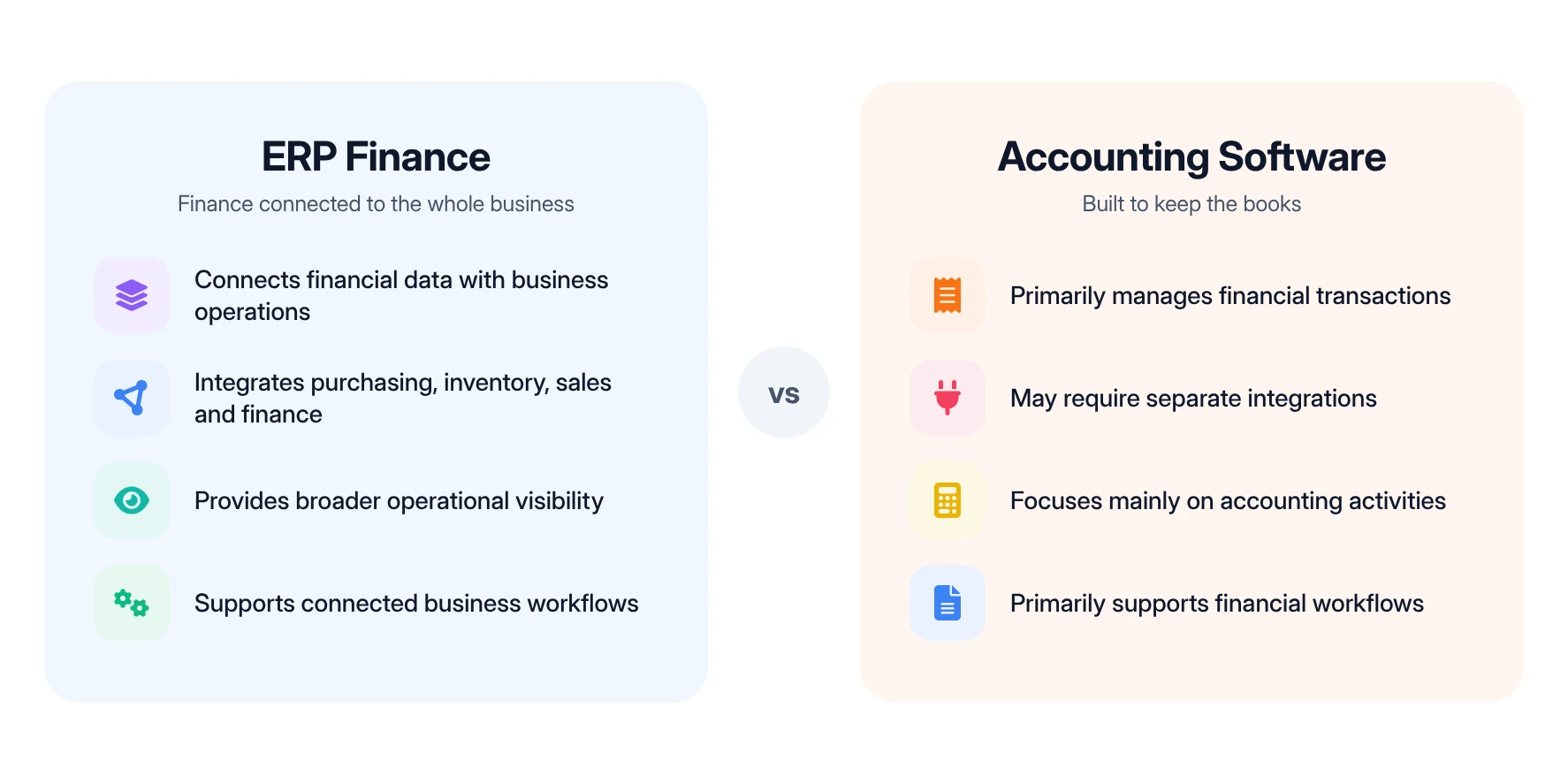
The core difference is scope. Accounting software records financial transactions, while ERP finance connects those transactions to the purchasing, inventory and sales activity that created them.
Accounting software is often the right starting point for a young business. Trouble begins when a distributor adds branches, more SKUs, backorders and contractor pricing, then tries to hold it all together with add-ons and spreadsheets. Each extra tool adds a hand-off, and a disconnected software stack quietly erodes the return on all of them. If that sounds familiar, these signs you have outgrown accounting software are a useful check.
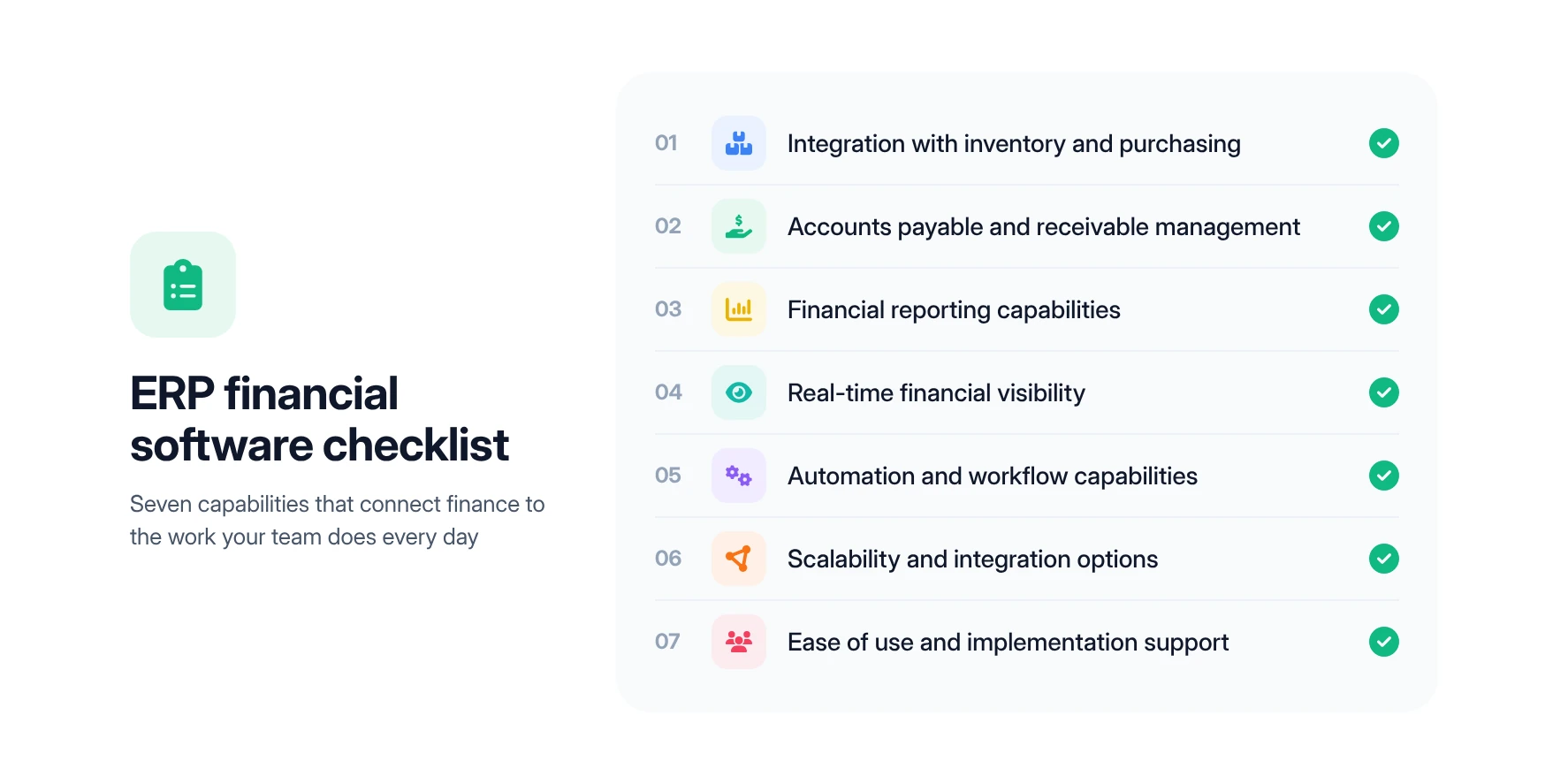
Look for software that connects finance to the work your team does every day, not just one that keeps tidy books. These seven capabilities separate the two, and they build on the broader ERP features that matter for distributors.
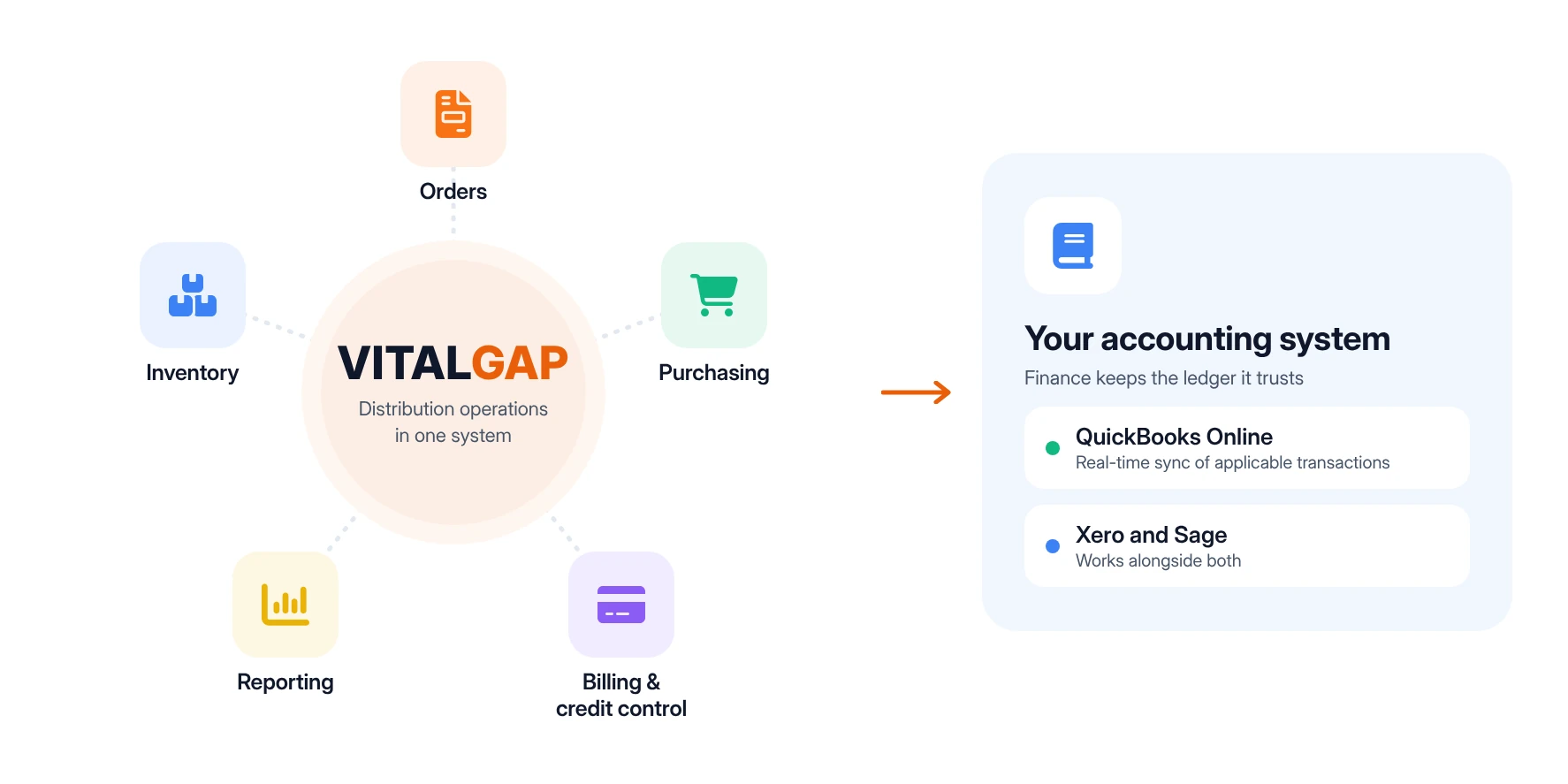
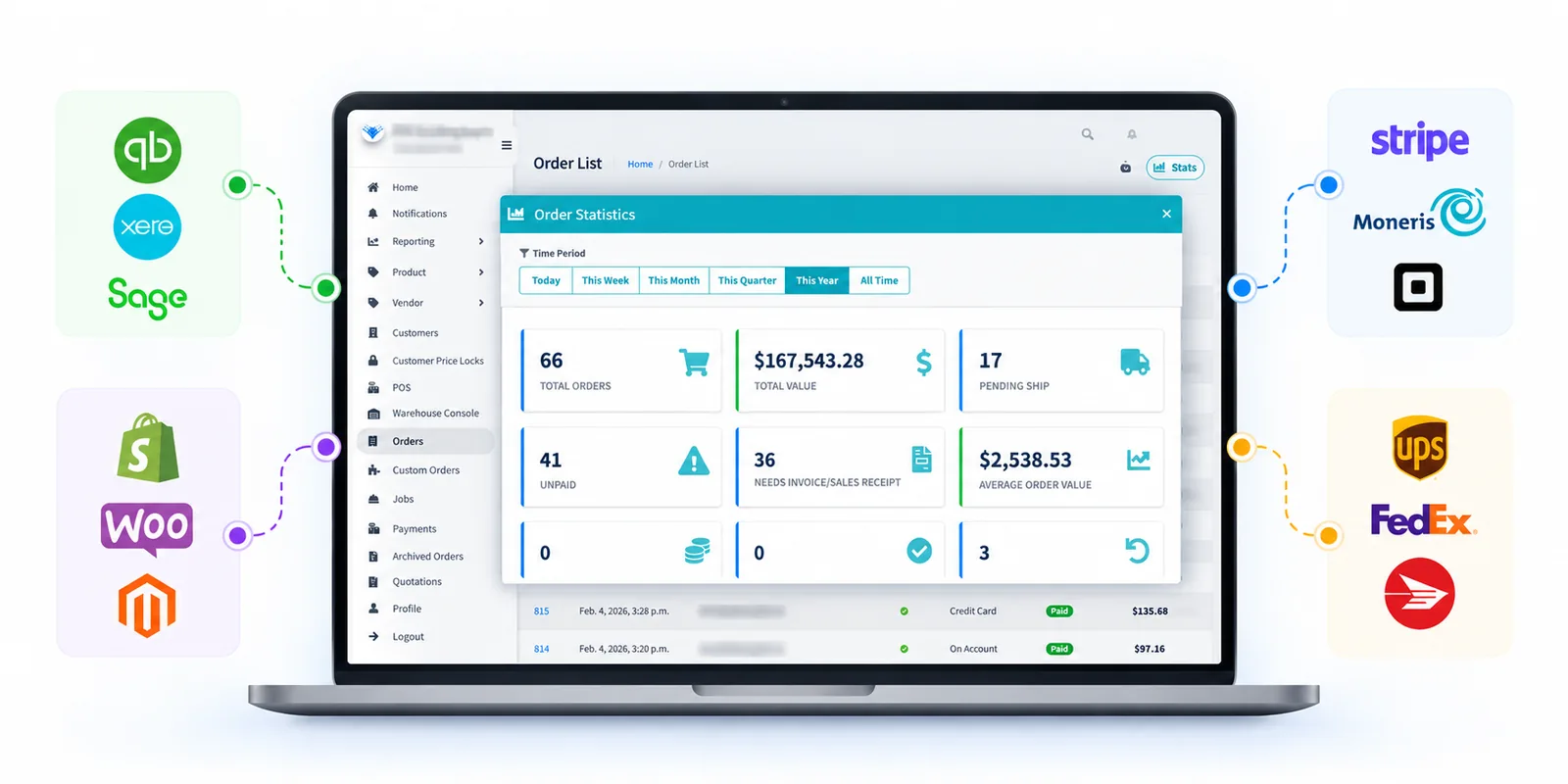
VitalGap is an AI-driven operating system for wholesale distributors that connects the financial side of the business to purchasing, sales, inventory and billing. It runs distribution operations and keeps your books in the accounting system your finance team already trusts.
In VitalGap, financial activity starts where the work starts. Sales orders flow into billing, purchase orders and receipts update inventory, and applicable transactions sync to QuickBooks Online in real time. VitalGap also works alongside Xero and Sage, and supports more than one QuickBooks company. Your accountant keeps the same ledger, while the accounting integration removes the double entry between operations and finance.
Inventory ties up more cash than almost anything else in a distribution business. VitalGap keeps one live stock record across every warehouse and branch, with committed, available and on-order quantities on every item. Because purchasing, sales and receiving all update that same record, the stock value your finance team sees matches what is actually on the shelf.
VitalGap generates invoices directly from confirmed orders, with customer pricing and tax rules applied. It handles partial invoicing for partial shipments, staged billing for jobs, and credit memos linked to the original order. Its credit control and invoicing tools also check customer credit limits as orders are entered and produce A/R aging summaries and statements you can email from inside the platform.
Orders, inventory, purchasing and customer activity live in one place, so the counter, warehouse, buyers and office all work from the same numbers. That unified operating system cuts out the spreadsheets and reconciliation that usually sit between departments. Historical orders, open invoices and bills can be imported during implementation, with original dates and aging preserved.
VitalGap reports from live data across every location. Owners can see gross margin and profitability by customer, job and product, along with inventory movement, A/R aging and sales rep performance. Custom dashboards built around your own KPIs, part of VitalGap's reporting and AI insights, let you act during the month instead of after it.
See it in action. Explore how VitalGap connects distribution operations, financial workflows and business intelligence in one unified platform. Talk to our team to walk through it with your own data.
ERP finance is less about accounting features and more about connection. When every order, receipt and payment lands in one system, the financial picture stops lagging behind the business. For distributors, that means fewer surprises at month-end, firmer control over credit and stock, and clearer answers to the questions that come up every Friday afternoon.
Start with where your numbers break down today. If it is between the counter and the books, or between the warehouse and the balance sheet, a connected system will pay for itself quickly.


Whether you're looking to streamline operations, boost efficiency, or drive growth, VitalGap has the solutions you need.